Getting Started
Do I need to re-enroll?
No, you’ll use your existing username and password the first time you sign in.
Do I need a new app?
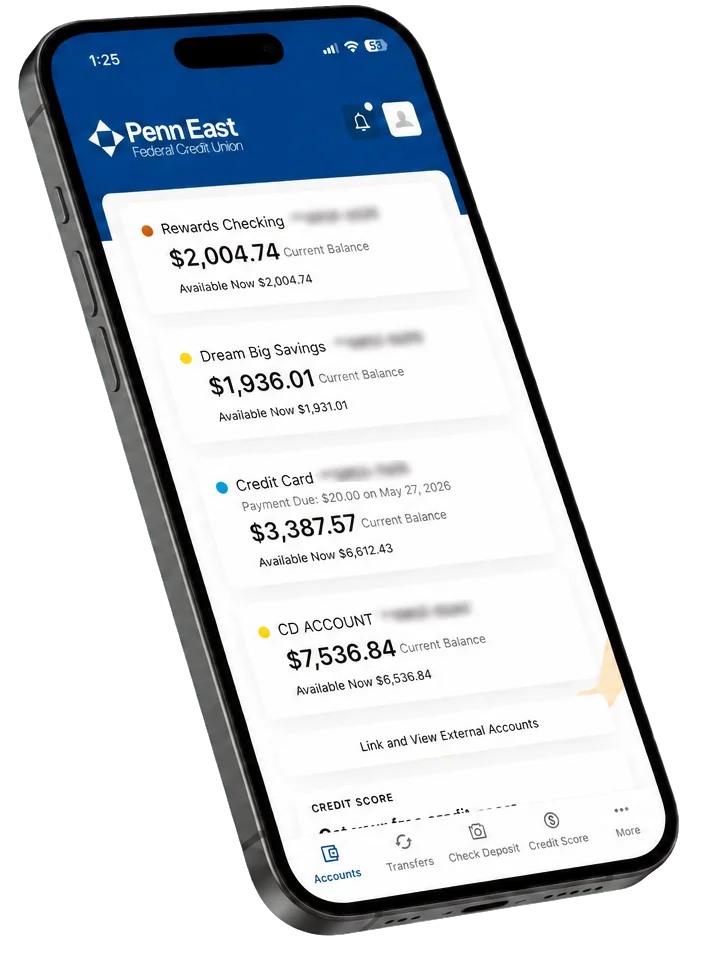
If you use the Penn East Mobile App, we recommend enabling automatic updates so you receive the newest version when it becomes available. If automatic updates are turned off, you’ll need to update the app manually through your device’s app store.
What happens the first time I log in?
After successfully logging in with your current username and password, you’ll be prompted to create a new password. As part of this process, you’ll complete Multi Factor Authentication (MFA) by receiving a security code by email or text message using the contact information we have on file.
Why do I need to verify my email?
We’ll use your up to date email address and mobile phone number to securely verify your identity during your first login as part of our Multi Factor Authentication (MFA) security process.
What browsers can I use with Digital Banking?
Digital Banking works with current, supported versions of commonly used browsers, including Google Chrome, Microsoft Edge, Firefox and Safari. For the best experience and security, we recommend keeping your browser up to date.
Your Accounts
Will my account numbers change?
Your account numbers and routing number are staying exactly the same.
What if I already have scheduled transfers set up?
Any scheduled transfers previously set up at a branch or over the phone will transfer to the new Digital Banking platform. After your first login, we recommend reviewing your scheduled transfers to make sure everything is set up correctly.
Will my eStatements transfer?
Your eStatement enrollment is staying the same. No action is required.
Will Bill Pay transfer?
Your existing Bill Pay payees and recurring payments will transfer to the new Digital Banking platform. We recommend reviewing your Bill Pay setup after your first login to make sure everything transferred correctly.
Will my alerts transfer?
You’ll need to set up new alerts after launch. Any alerts previously set up in Online Banking will not transfer to the new Digital Banking platform.
Can I connect external accounts?
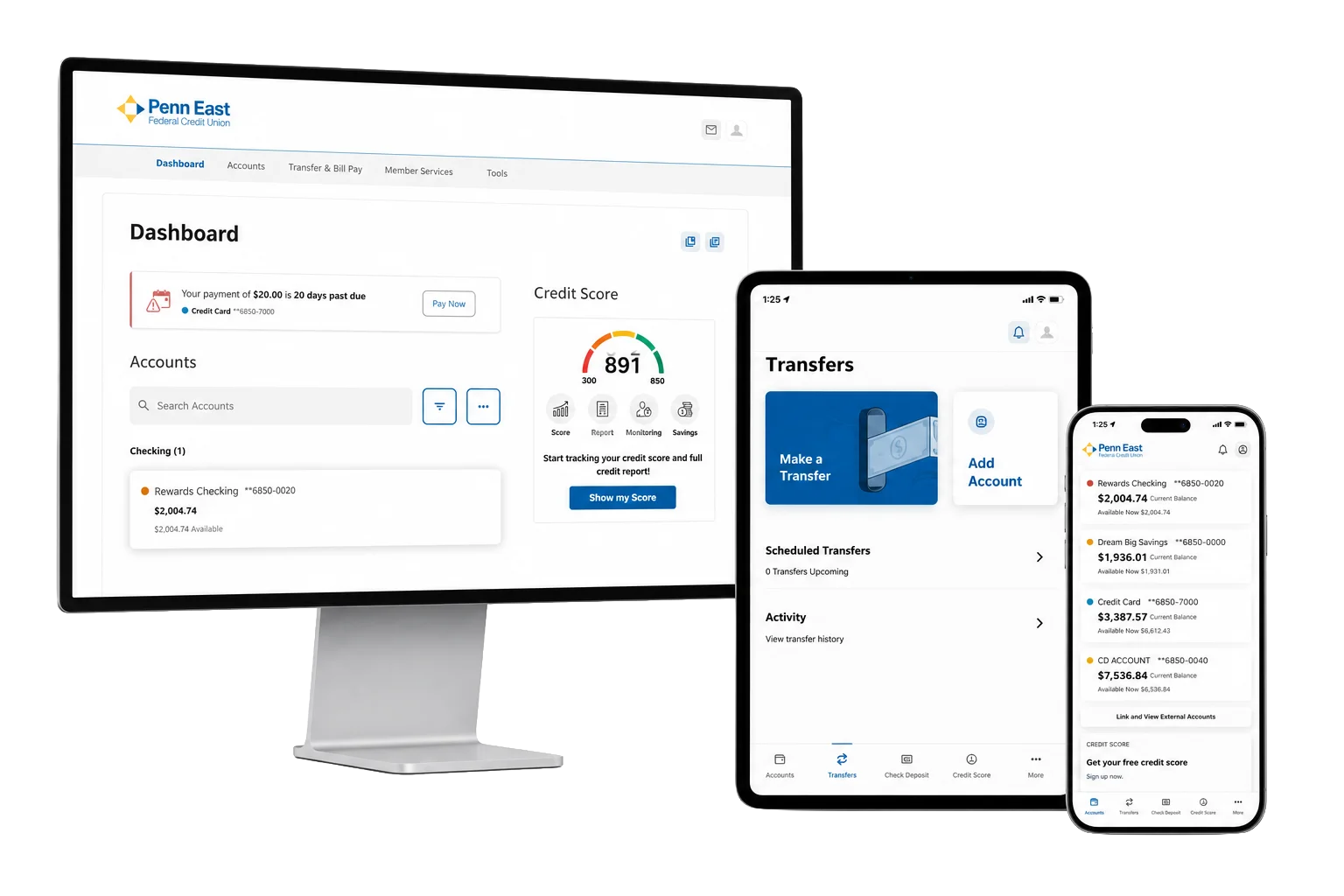
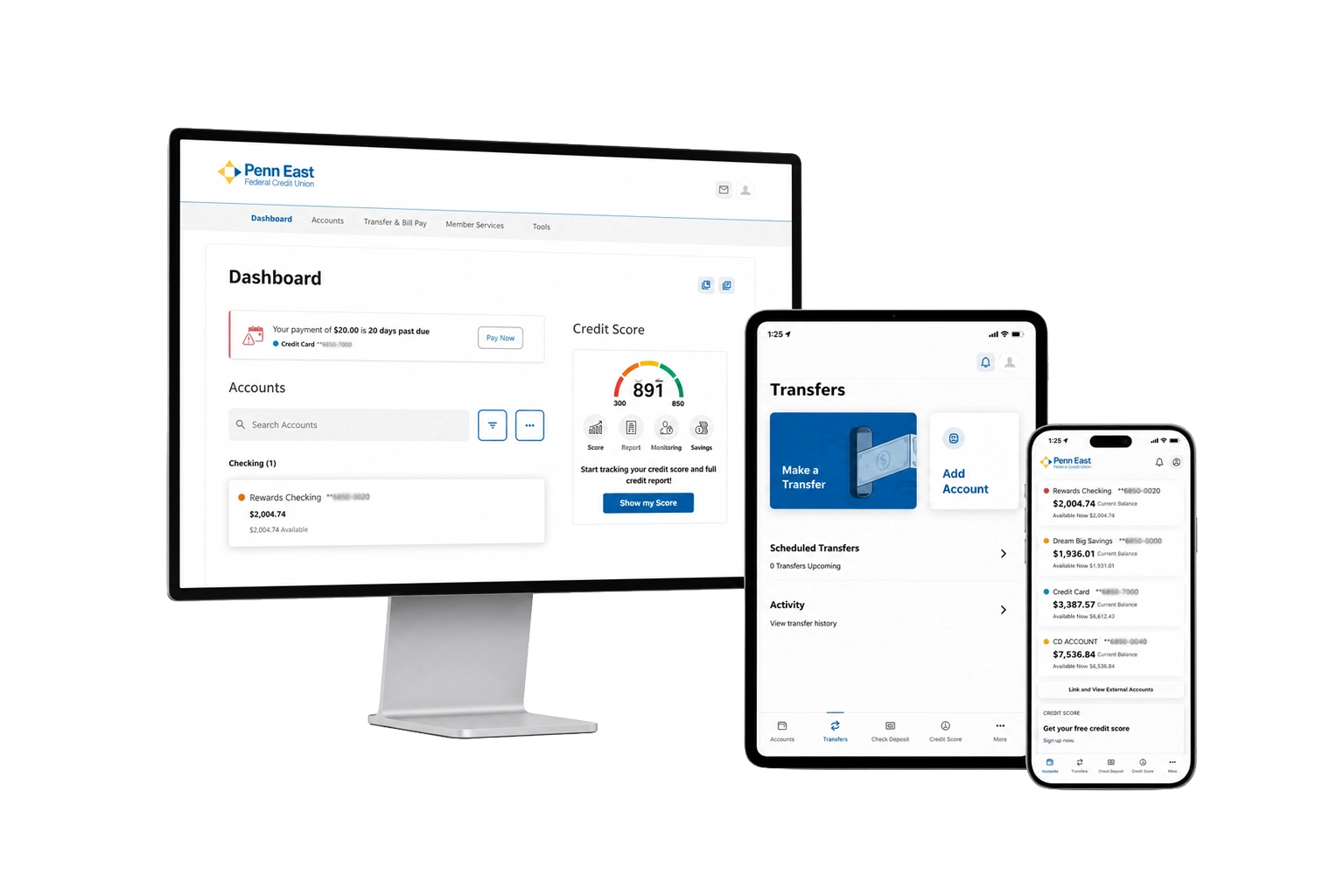
Yes! Securely connect eligible accounts from other financial institutions and view your balances alongside your Penn East accounts, all in one convenient dashboard.
Security
Will I need to set up Face ID again?
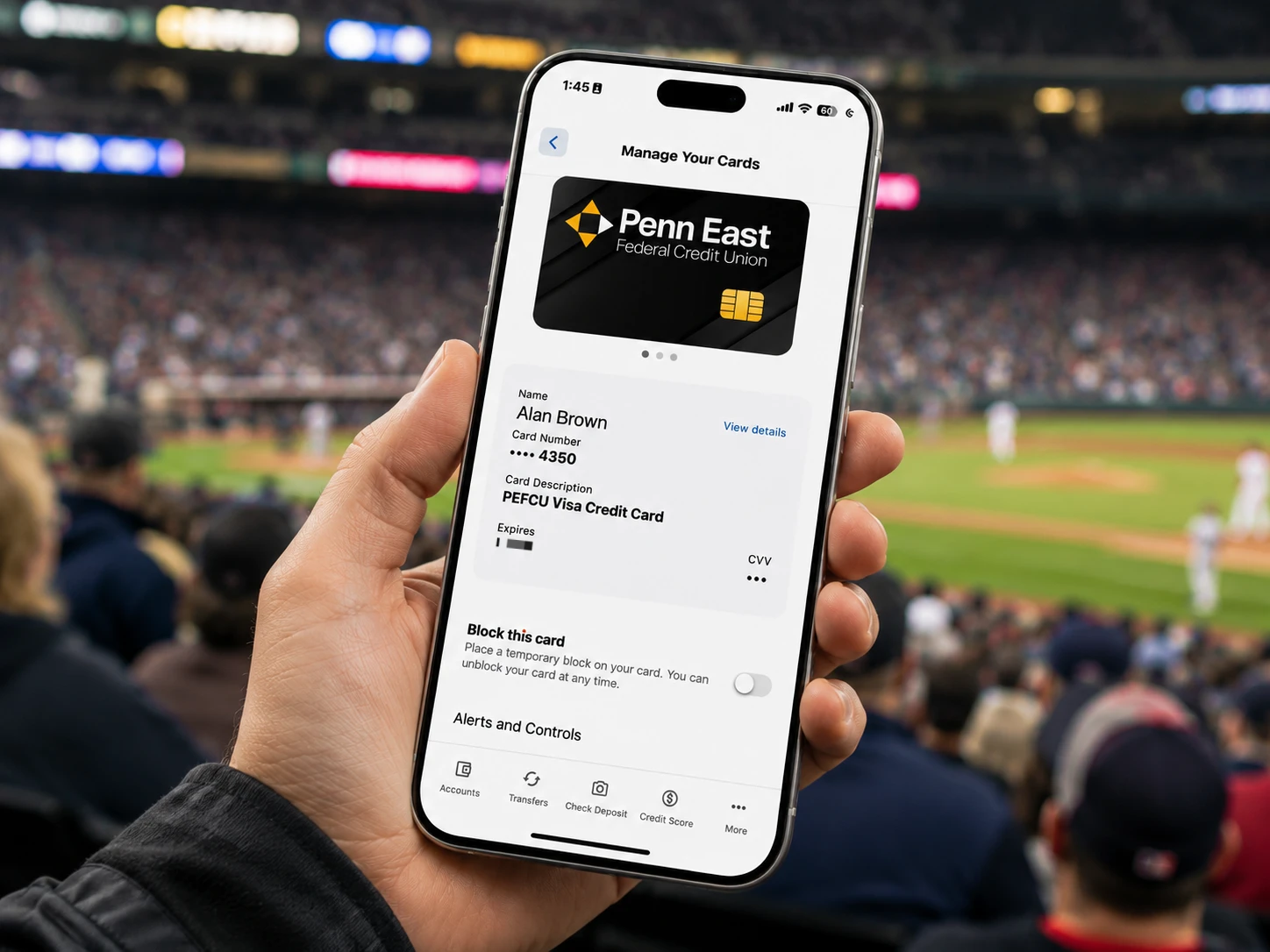
Yes! You’ll need to re enable Face ID or Fingerprint Login after your first login.
How does Digital Snapshot work?
Digital Snapshot gives you quick access to view your account information without fully logging in to Digital Banking. This feature is optional and can easily be turned off at any time.
How can I protect myself from Digital Banking scams?
Remember, a Penn East employee will never ask for your password over the phone. If someone claims to be from Penn East and asks for sensitive information, such as your password, hang up immediately and call us directly.
Is Digital Banking secure?
The modern Digital Banking platform delivers the features, convenience, and security our members expect.
What mobile devices are not supported?
The following devices are currently not supported for the mobile app or mobile app download:
• OnePlus 8 Pro
• Google Pixel 2
• Google Pixel 2 XL
• Google Pixel 4a
• Samsung Galaxy A33
• Motorola Moto G82 5G
If you are using one of these devices, you may not be able to download or use the mobile app. You can still access your accounts through Online Banking using a supported web browser.
New Features
In Financial Wellness, can I create my own spending tags?
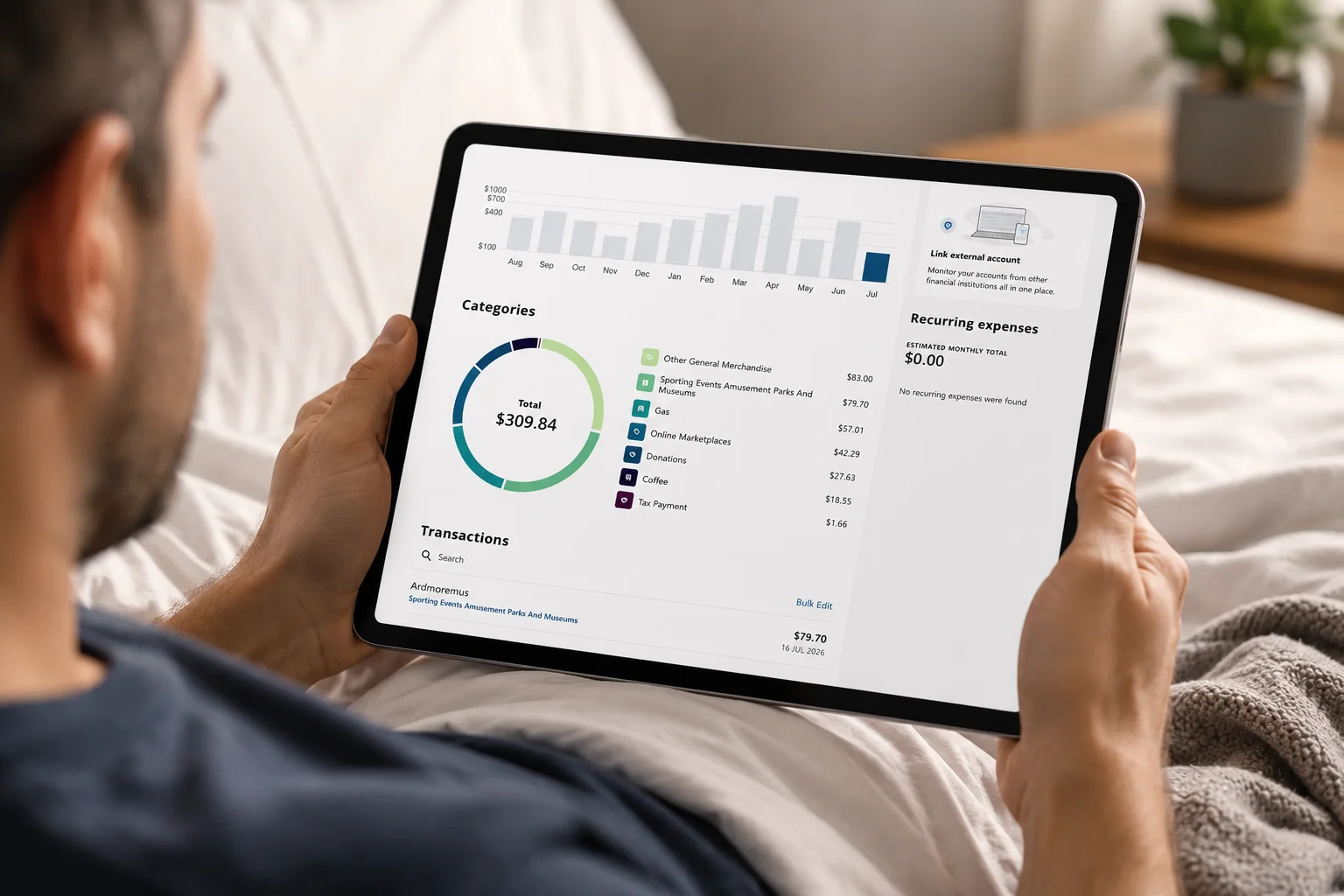
Yes! You can fully customize your spending tags to organize and track your transactions in a way that works best for you.
Do I have to use Live Credit Score?
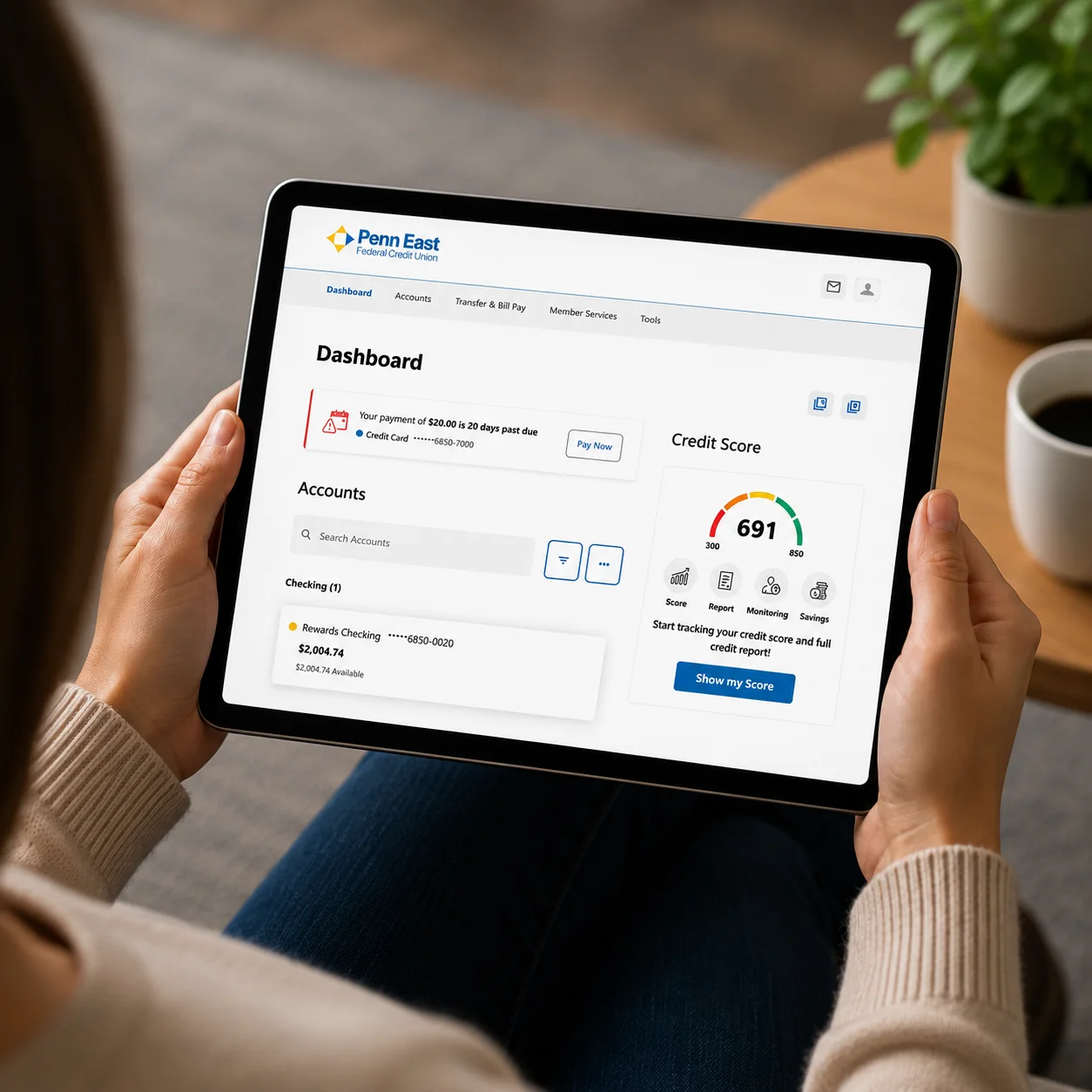
Live Credit Score is completely optional. You can choose not to enroll when you first set it up, or manage your enrollment anytime through Settings in your Credit Score dashboard. Want to learn more at www.penneastfcu.org/digital-banking/credit-score
Will the app still have mobile deposit?
Absolutely! Mobile Deposit will be available on day one for all members who currently have access to this feature.
Can I transfer money to my accounts at other financial institutions?
Yes! Starting on day one, you’ll be able to securely link eligible external accounts and transfer money between those accounts and your Penn East accounts.
I have a business account linked to my personal account. Will I still see it?
You’ll still be able to view your business accounts within your personal Digital Banking profile. You can also register your business for Business Digital Banking by following the new user registration steps and providing your EIN and other required business information.
What’s new with the Business Digital Banking experience?
Business Digital Banking is a new platform designed specifically for our business members. It gives you greater control over your accounts, including the ability to create and manage sub users, customize account access and permissions, and take advantage of powerful business banking tools.